
Schedule
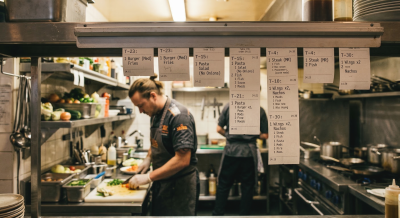
Appropo Schedule lets you control menus, pricing and preparation times based on time and day. Adapt to busy periods, limited-time items and special events with rules that match how your kitchen and staff actually operate.
Day Parts
A schedule is a collection of day parts. Each day part represents a time range, a day, or both.
Examples include a day part for Monday, a day part for breakfast (e.g. 7am to 9am), or a day part for happy hour (5pm to 7pm, Friday and Saturday).
A day part can then be used to set the wait time for orders, as part of a rule for item availability or to control pricing.
Day parts give you the flexibility to control your menu.
Wait Time
Wait time is used to calculate an order’s ETA. Does it usually take 5 minutes to make a customer’s coffee? Set the wait time to 5 minutes.
Does it take longer on Saturday morning due to increased volume? Then set the wait time to 10 mins for Saturday Morning.
We can easily handle complex scenarios. This helps calculate accurate order times and improves the customer experience.
Event/Holiday hours
Add special schedules for public holidays, reduced trading hours or special events. When you add an event to the schedule, it overrides your normal rules for those dates, so availability and pricing follow the occasion instead of your usual routine.
Apply rules to items and pricing
One system, many scenarios. Use schedules to control item availability, category visibility and pricing rules. Whether it’s happy hour pricing, limited-time menus or late-night service, you stay in control without manual changes each day.